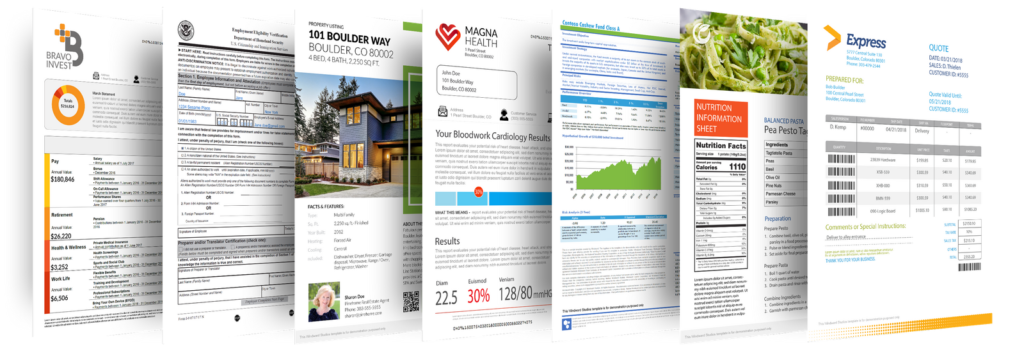
The truth is we all have a tendency to judge a book by its cover. We have also had our attention spans reduced by years of sound-bites, web-surfing and learning to read down the middle of a page. Unfortunately, if you want your clients or stakeholders to actually read the document you have gone to such lengths to produce, you’re going to have to grab their attention.
Here are just a few ways to make your next report or brochure shine.
1. Size Matters
Most papers come in a standard 8 ½” x 11” format, but don’t let that hold you back. A square booklet or landscape-oriented binding grabs attention and stands out from the crowd. Inserts, fold-outs and tab dividers to section off different areas are always well received.
2. Less Works Best
Never try to cram too much on a page. People need white space in order to understand what they are reading. That means they will gladly read a few extra pages rather than struggle with a smaller document that’s tightly packed with blocks of text.
3. An Image is Worth a Thousand Words
Always try and replace text with illustrations or graphics when possible. Pages full of statistics are meaningless when compared to a single well-executed graph, and a picture makes any description come to life.
4. Fonts Are Important
You can have a lot of fun tooling around with those Celtic fonts and whacky symbols, but most will make your printed text illegible. Stick with the most readable fonts and remember that the easiest to follow may differ depending on the size of your text. That’s why the format of headers and content often differ. Try to stick to a maximum of three different fonts in any single publication.
5. Invert and Accentuate
Most people limit their creative flair to changing their text colours but instead, try inverting occasionally. White text on a dark background really stands out and gives strength to whatever topic you are introducing. Inversion also works well on covers and tab dividers.
6. The Copy is Part of the Design
The content of your project is also one of its design features. Short paragraphs, subheadings and bullet points will all help make the finished work more attractive and, ultimately, more engaging. Be consistent, however, and use the same set of symbols or bullet markers throughout the document.
7. Break Up the Format
Whenever possible, try to add a focal point to each page of text. Think of a shadow box to emphasize the main point, then make it oval, triangular or even 3-D. Anything that breaks up the linear format of your content to keep the reader’s attention focused on your message.
You don’t need to be a graphic designer to make your quarterly report more appealing to your reader. Your document is a monologue, but it doesn’t have to be in monotone. By making a few simple adjustments, you can dramatically increase both its aesthetic appeal and the chances of your reader sticking with it all the way to the end.
If you’re considering an automated punch or cutter, the smartest first step isn’t the spec sheet, it’s the ROI calculator. Knowing when (and how) the equipment pays for itself turns a capital...
Sports naturally bring people together. These events offer more than entertainment — they create high impact opportunities for corporate events, client engagement, and brand visibility. When planned...
Discover Spring 2026’s hottest promotional product trends, from sustainable eco‑friendly merch to premium golf accessories and sun‑smart UV protection gear. Learn how to boost brand visibility, spark...